

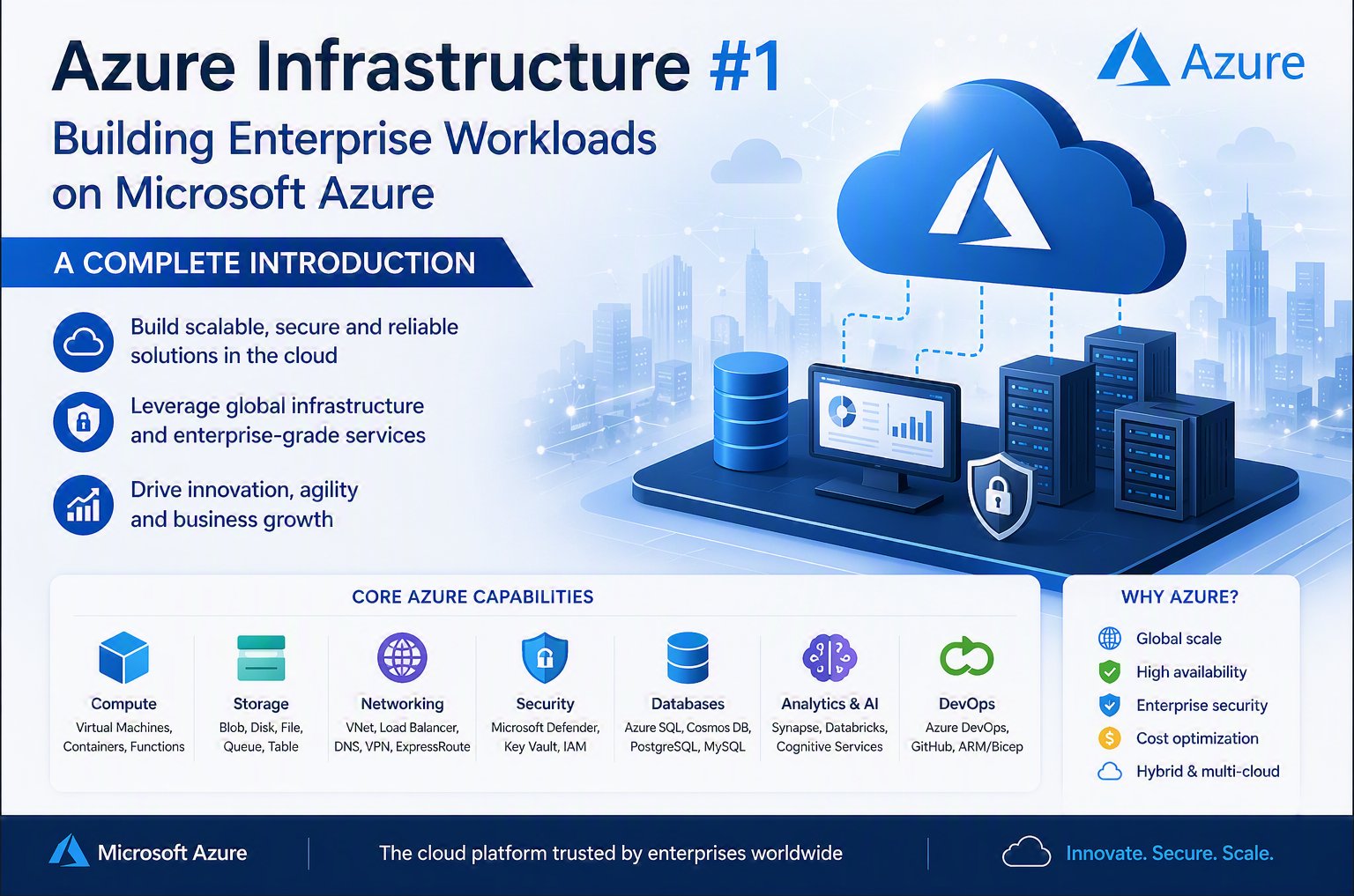
Azure Infrastructure Zero to Hero Series – Week 1
Author: Lakshan Fernando
Category: Microsoft Azure Infrastructure
Level: Foundation (0–100)
Introduction
Cloud computing has changed the way organizations design, deploy, and operate their technology platforms. For decades, businesses depended on traditional data centers where they purchased physical servers, storage systems, networking equipment, security appliances, and backup solutions before they could deliver applications to users.
This traditional approach introduced several challenges:
- High initial capital investment
- Long hardware procurement cycles
- Complex capacity planning
- Hardware lifecycle management
- Limited scalability
- Difficult disaster recovery planning
- Significant operational overhead
Microsoft Azure provides a modern cloud infrastructure platform that enables organizations to build secure, scalable, and highly available enterprise solutions without managing the underlying physical datacenter infrastructure.
However, adopting Azure successfully is not simply about creating virtual machines or moving existing servers to the cloud. Enterprise Azure environments require proper planning around architecture, networking, identity, security, governance, monitoring, and cost management.
Azure infrastructure provides the foundation for:
- Enterprise applications
- Web platforms
- Databases
- Virtual desktop environments
- Hybrid cloud solutions
- Disaster recovery platforms
- AI and analytics workloads
This article is the first article in the Azure Infrastructure Zero to Hero Series, where we will explore Microsoft Azure infrastructure from fundamental concepts to advanced enterprise architecture.
What is Azure Infrastructure?
Azure Infrastructure is the collection of Microsoft Azure services that provide the core capabilities required to run enterprise workloads in the cloud.
At a high level, Azure infrastructure includes the following:
- Compute services
- Storage services
- Networking services
- Identity services
- Security services
- Monitoring services
- Backup and disaster recovery
- Automation and management tools
Azure follows a cloud consumption model where organizations consume resources based on their requirements instead of owning physical infrastructure.
Traditional Datacenter vs Azure Infrastructure
Traditional Datacenter Model

The organization must manage:
- Server hardware
- Storage capacity
- Network devices
- Firewall systems
- Backup infrastructure
- Physical security
- Hardware replacement
- Datacenter facilities
Azure Cloud Infrastructure Model
Microsoft manages the physical infrastructure while customers manage their workloads.

Azure provides:
- Global datacenters
- Hardware infrastructure
- Networking backbone
- Physical security
- Platform availability
- Cloud management services
Understanding Azure Global Infrastructure
Microsoft Azure operates one of the largest cloud infrastructures in the world.
Azure global infrastructure consists of:
- Regions
- Availability Zones
- Region Pairs
- Datacenters
- Edge locations
These components allow organizations to design applications that are:
- Highly available
- Globally accessible
- Disaster resilient
- Compliant with regulatory requirements
Azure Regions
An Azure region is a geographical location containing one or more Microsoft datacenters.
Examples:
- Southeast Asia
- East Asia
- Japan East
- Australia East
- West Europe
- East US
Organizations select Azure regions based on:
User Location
Applications should ideally be hosted close to users to reduce latency.
Example:

Compliance Requirements
Some organizations require data to remain within specific countries or geographical boundaries.
Examples:
- Financial services
- Government workloads
- Healthcare systems
Service Availability
Not every Azure service is available in every region.
Before selecting a region, architects should verify:
- Required VM sizes
- Storage options
- Availability Zones
- Database services
- Security services
Availability Zones
Availability Zones provide physical separation inside an Azure region.
A single Azure Region may contain multiple independent datacenters.
Example:

Each zone has:
- Independent power
- Independent cooling
- Independent networking
This design protects applications from datacenter-level failures.
High Availability Design Example
A highly available application can distribute workloads across multiple zones.

If one availability zone experiences an outage, the application can continue operating.
Availability Zones vs Disaster Recovery
A common misunderstanding is treating availability zones as disaster recovery.
They solve different problems.
High Availability
Purpose:
Maintain service availability during component failures.
Examples:
- Server failure
- Datacenter hardware issue
- Network failure
Disaster Recovery
Purpose:
Recover from major incidents.
Examples:
- Regional outage
- Data corruption
- Cyber attack
- Large-scale disaster

Azure Resource Hierarchy
Understanding Azure resource organization is essential for enterprise environments.
Azure follows this hierarchy:

Microsoft Entra Tenant
The tenant represents the organization's identity boundary.
It contains:
- Users
- Groups
- Applications
- Security identities
- Access policies
Azure Management Groups
Management groups allow organizations to manage multiple subscriptions together.
Organizations use management groups for:
- Policy enforcement
- Governance
- Compliance
Azure Subscriptions
A subscription is a major management and billing boundary.
A subscription provides:
- Resource isolation
- Cost tracking
- Access control
Azure Resource Groups
A Resource Group is a logical container for Azure resources.
Best practice:
Organize resources based on application lifecycle.
Azure Resource Manager (ARM)
Azure Resource Manager is the management layer used by Azure.
All Azure resources are managed through ARM.
Management methods include:
- Azure Portal
- Azure PowerShell
- Azure CLI
- ARM Templates
- Bicep
- Terraform
ARM provides:
- Authentication
- Authorization
- Resource deployment
- Policy enforcement
- Resource organization
Azure Infrastructure Core Services Overview
The main Azure infrastructure pillars are:
- Compute
- Networking
- Storage
- Identity
- Security
- Monitoring
- Backup and Recovery
The next sections introduce these components.
Azure Compute
Compute provides processing capability for applications and workloads.
Common Azure compute services:
Azure Virtual Machines
Azure Virtual Machines provide Infrastructure as a Service (IaaS).
Examples:
- Windows Server workloads
- Linux servers
- Domain Controllers
- Application servers
- Database servers
VM components include:
- Operating system disk
- Data disks
- Network interface
- Network security rules
- Monitoring agents
Virtual Machine Scale Sets
VM Scale Sets allow organizations to deploy and manage groups of identical virtual machines.
Common usage:
- Web applications
- Container workloads
- Large-scale applications
Benefits:
- Automatic scaling
- Load distribution
- High availability
Azure Storage
Azure Storage provides scalable and secure data storage.
Main storage services:
Managed Disks
Used with Azure Virtual Machines.
Types:
- Standard HDD
- Standard SSD
- Premium SSD
- Premium SSD v2
- Ultra Disk
Azure Blob Storage
Used for:
- Documents
- Images
- Backup data
- Application objects
Azure Files
Provides managed file shares using SMB protocol.
Common usage:
- File servers
- Application shared storage
- Migration scenarios
Azure Networking
Networking is the foundation of every Azure architecture.
Main networking services:
- Virtual Network (VNet)
- Subnets
- Network Security Groups
- Azure Firewall
- Load Balancer
- Application Gateway
- VPN Gateway
- ExpressRoute
Example:

Azure Identity
Identity controls who can access Azure resources.
Main identity services:
- Microsoft Entra ID
- Role-Based Access Control (RBAC)
- Conditional Access
- Managed Identities
Security principle:
Grant users only the permissions they require.
Azure Security
Security should be designed from the beginning.
Important services:
- Microsoft Defender for Cloud
- Azure Firewall
- Key Vault
- Security Center recommendations
- Microsoft Sentinel integration
Azure Monitoring
Monitoring ensures infrastructure health and performance visibility.
Services include:
- Azure Monitor
- Log Analytics Workspace
- Application Insights
- Alerts
- Workbooks
Monitoring should be enabled before production deployment.
Azure Backup and Disaster Recovery
Business-critical workloads require protection against failures.
Azure provides:
- Azure Backup
- Recovery Services Vault
- Azure Site Recovery
Backup protects data.
Disaster Recovery protects business continuity.
Enterprise Azure Infrastructure Design Principles
Successful Azure environments follow these principles:
Security First
Security should not be added later.
Implement:
- Identity controls
- Network security
- Encryption
- Monitoring
Design for Failure
Assume failures will happen.
Use:
- Availability Zones
- Backup
- Replication
- Disaster Recovery
Automate Everything Possible
Use:
- Infrastructure as Code
- PowerShell
- Azure CLI
- Bicep
- Terraform
Apply Governance
Use:
- Azure Policy
- Tags
- Resource Locks
- Management Groups
Common Azure Infrastructure Mistakes
Deploying Everything in One Subscription
Problem:
Poor isolation and governance.
No Backup Strategy
Problem:
Data loss risk.
Using Public IP Everywhere
Problem:
Increased security exposure.
No Monitoring
Problem:
Issues are discovered only after users report failures.
No Naming Convention
Problem:
Difficult management at scale.
Conclusion
Azure Infrastructure is the foundation of modern cloud computing. Building successful Azure environments requires more than deploying resources; it requires understanding architecture, availability, security, governance, and operational management.
In this first article, we covered:
- Cloud infrastructure fundamentals
- Azure global architecture
- Regions
- Availability Zones
- Disaster Recovery concepts
- Azure hierarchy
- Resource Groups
- Azure Resource Manager
- Compute
- Storage
- Networking
- Identity
- Security
- Monitoring
- Backup
A strong Azure engineer must understand these fundamentals before moving into advanced architecture and enterprise design.
References
Microsoft Learn:
- Azure Architecture Center https://learn.microsoft.com/azure/architecture/
- Azure Global Infrastructure https://azure.microsoft.com/explore/global-infrastructure/
- Azure Well-Architected Framework https://learn.microsoft.com/azure/well-architected/
- Azure Resource Manager Documentation https://learn.microsoft.com/azure/azure-resource-manager/
- Azure Cloud Adoption Framework https://learn.microsoft.com/azure/cloud-adoption-framework/
Start writing your content here...




No comments yet. Be the first to share your thoughts!